
Google Search Console vs Google Analytics: What's the Difference for SEO?
Compare Search Console and GA4 by purpose, metrics and scope. Learn why clicks and sessions differ and how to investigate SEO performance across both tools.
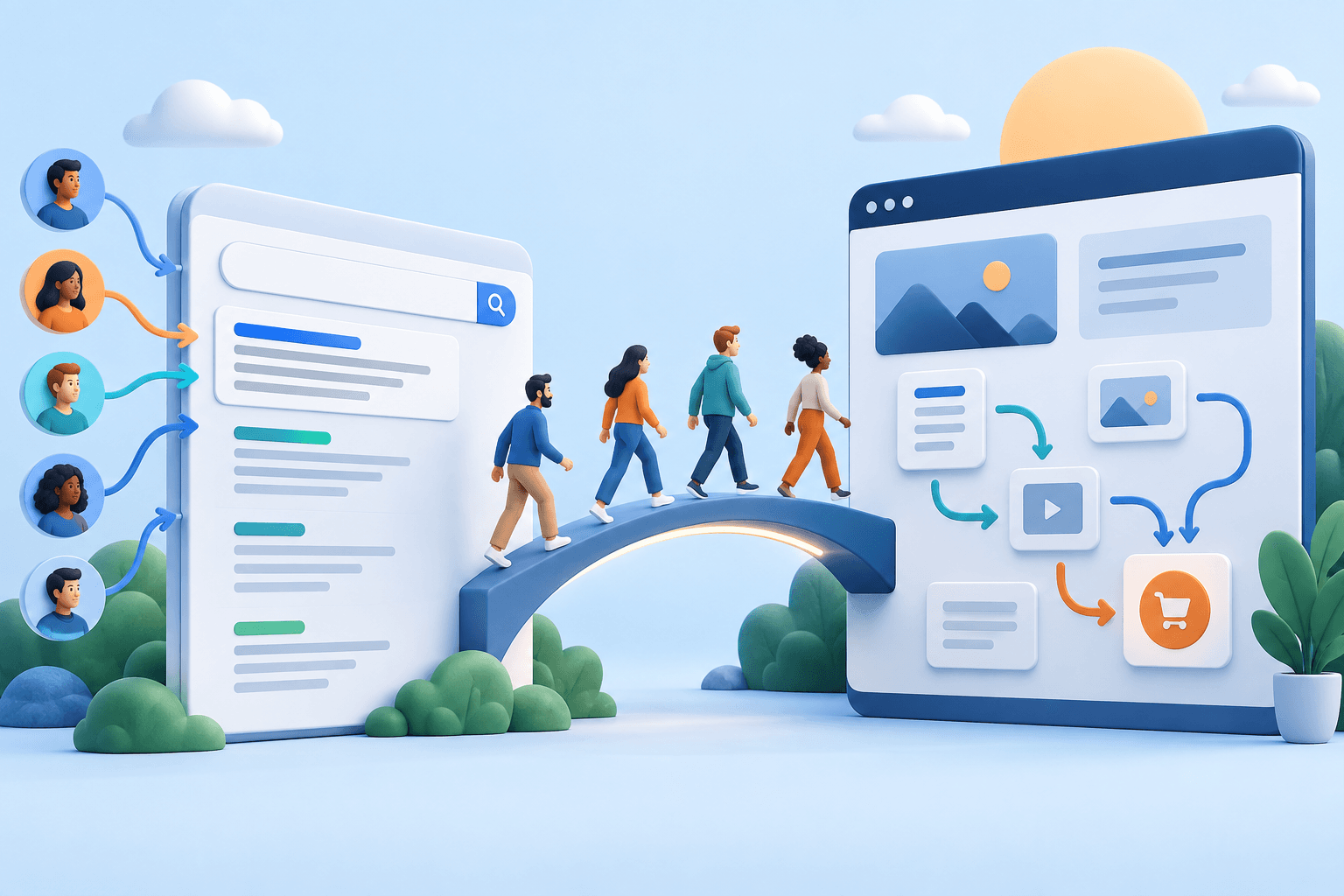
Search Console explains how your website is represented in Google Search. Google Analytics explains measured behaviour on your website or app. For SEO, the first helps investigate discovery and search activity; the second helps investigate visits and outcomes after arrival.
They complement each other, but their totals are not designed to be identical. Treating every difference as a tracking error wastes time and can lead to incorrect conclusions. Start by defining the question each tool is answering.
Compare their roles
| Question | Search Console | Google Analytics |
|---|---|---|
| Which reported searches brought activity? | Query and search-performance context | Not a replacement for the query report |
| Which pages appeared in search? | Search exposure and page performance | Measured landing-page visits |
| What happened after arrival? | Limited on-site behaviour context | Events, sessions and configured outcomes |
| Can an important page be indexed? | Relevant indexing diagnostics | Not an indexing diagnostic tool |
| Which business action occurred? | Does not establish completed website outcomes | Can measure configured actions, subject to setup |
Use the Search Console guide for search-side investigation and the Analytics guide for on-site measurement.
Why clicks and sessions do not match exactly
A search click and a measured session are different events. They are collected by different systems and grouped according to different definitions. A person can click without the website measurement being recorded as expected, and session attribution can describe more than the click you are examining.
Differences can also arise from property scope, date handling, filters, URL representation and collection conditions. Organic-search traffic can include sources beyond Google unless the Analytics view is narrowed appropriately.
Do not calculate a “tracking loss percentage” from the difference alone. First align the scope and inspect the measurement setup. A discrepancy can be a useful diagnostic signal without proving a specific cause.
Align the comparison before investigating
Confirm that both reports concern the same website and relevant pages. Check the dates, country or device filters and whether you are comparing Google organic traffic or a broader channel. Record any known measurement changes during the period.
Choose a page or small page group for the first investigation rather than attempting to reconcile the entire website at once. A narrower scope makes it easier to identify redirects, alternate URLs or missing collection on a template.
Keep the original metrics intact. Do not rename sessions as clicks to make the presentation simpler. A short definition is more helpful than a familiar but inaccurate label.
Example: clicks rise but sessions fall
Illustrative example: Search Console shows more clicks to a service section, while Analytics reports fewer organic sessions. Before concluding that visitors are leaving immediately, inspect tracking continuity and the page scope.
A recent template change may have affected measurement. The Analytics report may include a different hostname, or the selected source may differ from the Search Console scope. A redirect or consent change may also require investigation. These are hypotheses to check, not conclusions to assert from the two totals.
Start with a representative page and test the public journey. Confirm the selected properties and compare complete periods. Document the verified explanation or leave the discrepancy explicitly unresolved.
Example: both show more activity but enquiries stay flat
When search clicks and measured organic visits rise together, but valid enquiries remain flat, inspect the landing-page mix. The increase may be concentrated on information pages rather than the pages most likely to generate enquiries.
Review whether those pages serve their intended task and provide a relevant next step. Also validate the enquiry measurement. More visits do not necessarily create more qualified opportunities, and a stable outcome does not automatically mean the traffic is worthless.
A useful report explains which part of the journey changed and what will be investigated next. It should not force the data into a simple success-or-failure label.
Linking the tools does not merge their definitions
Google supports a Search Console connection to Analytics. The connection can make related reporting more convenient, but it does not turn the underlying measurements into one identical dataset.
Check the required property access and current integration scope. Do not assume that every native Search Console report becomes available in Analytics or in a third-party dashboard. New specialised reports may have different availability and dimensions.
Keep the source label with each metric even when the information appears in one interface. Convenience should not erase the context needed to interpret it.
Build a combined investigation workflow
Start with the business outcome in Analytics or the relevant business system. If it changed, inspect the affected landing pages and organic visit pattern. Then use Search Console to review the search-side activity for those pages.
If visibility appears to have changed, inspect queries, indexing and page access as appropriate. If search activity is stable but measured outcomes changed, focus on the on-site journey, traffic mix and collection setup. Several issues can coexist, so avoid treating this sequence as a rigid diagnostic formula.
Use the SEO KPI framework to choose a small set of measures across the journey. It helps prevent a dashboard from becoming a collection of unrelated totals.
Use a campaign workspace without losing the source context
UpStrait’s campaign platform places connected Google reports near selected rankings, audit findings and activity records. That can make routine review easier, while the native Google tools remain important for setup and deeper diagnostics.
Record the selected property, reporting dates and any limitations in the update you share. If a connection stops returning data, mark it as unavailable rather than presenting a zero as a business result.
The practical goal is not perfect numerical reconciliation. It is a coherent explanation of where the pattern begins, what the evidence supports and which action is justified.
Frequently asked questions
Which tool is better for SEO?
They answer different questions. Search Console is central to understanding Google search activity and indexing context. Analytics is useful for evaluating measured visits and actions on the website. Use both when the objective requires both perspectives.
Can I use Analytics instead of a rank tracker?
Analytics does not provide the same selected-query position monitoring. Use a rank tracker for that defined sample and Search Console for its reported search activity. Keep the methods distinct.
Should the two tools be connected before reporting?
A connection can make some workflows easier, but the essential requirements are correct access, reliable configuration and clear definitions. You can compare appropriately scoped reports without pretending that the connection removes all measurement differences.